Get started
Workspace setup, equipment checks, and preparing your first project.
Log in for videos & manuals
Included with every Orchard
Operator training and curriculum are included with every Orchard. Review the topics here, then sign in for the resources assigned to your organization.
Explore lessonsTRAINING & MANUALS
Follow the training videos alongside the instructions for your equipment and module configuration.
Workspace setup, equipment checks, and preparing your first project.
Log in for videos & manualsModule operation, model preparation, materials, and the Sylvan workflow.
Log in for videos & manualsRoutine maintenance, troubleshooting, and when to contact support.
Log in for videos & manualsYour organization’s training and manuals are available through the customer resource library.
CURRICULUM GUIDES & LESSON TEMPLATES
Full curricula are available for grades 4–8, with activity plans for YMCA and Boys & Girls Club customers. Explore activity ideas below, then sign in for the resources assigned to your organization.
The ideas below illustrate possible activities; they are not excerpts from the included curriculum. Ask for a curriculum walkthrough to review available lessons.
ILLUSTRATIVE ACTIVITY IDEA
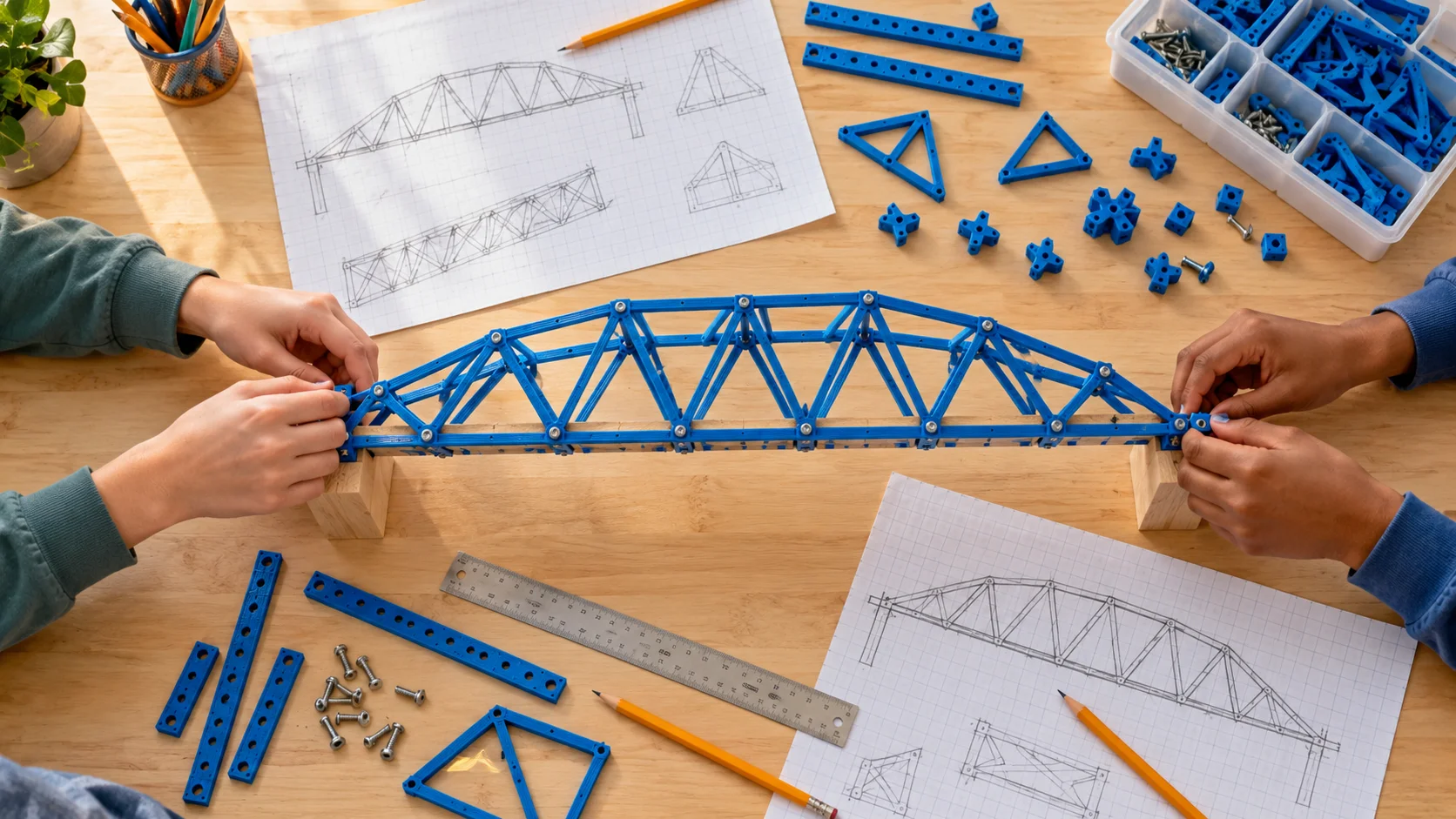
Compare bridge shapes, test model structures, and discuss what makes them strong.
View your assigned customer resourcesILLUSTRATIVE ACTIVITY IDEA
Follow compatible PET from bottle to filament and propose a useful new object.
View your assigned customer resourcesILLUSTRATIVE ACTIVITY IDEA
Define an everyday need, sketch alternatives, and prototype a solution.
View your assigned customer resourcesILLUSTRATIVE ACTIVITY IDEA
Use measurements to model an organizer, test its fit, and revise the dimensions.
View your assigned customer resourcesILLUSTRATIVE ACTIVITY IDEA
Explore how gears transfer motion through a small mechanical model.
View your assigned customer resourcesChoose rental or purchase and configure your modules. Still have questions? See the workflow in a demo.