Itemfarm
Order now

FILAMENT FABRICATION

Turn compatible bottles into printing filament.

Explore how compatible PET bottles can become filament for new projects. Make the material journey part of the experience.

Plan a material-reuse program

AT A GLANCE

Filament Fabrication specifications

Input materials
Compatible PET & PLA bottles
Published output per day
16.5 lb / 7.5 kg
Bottle workflow
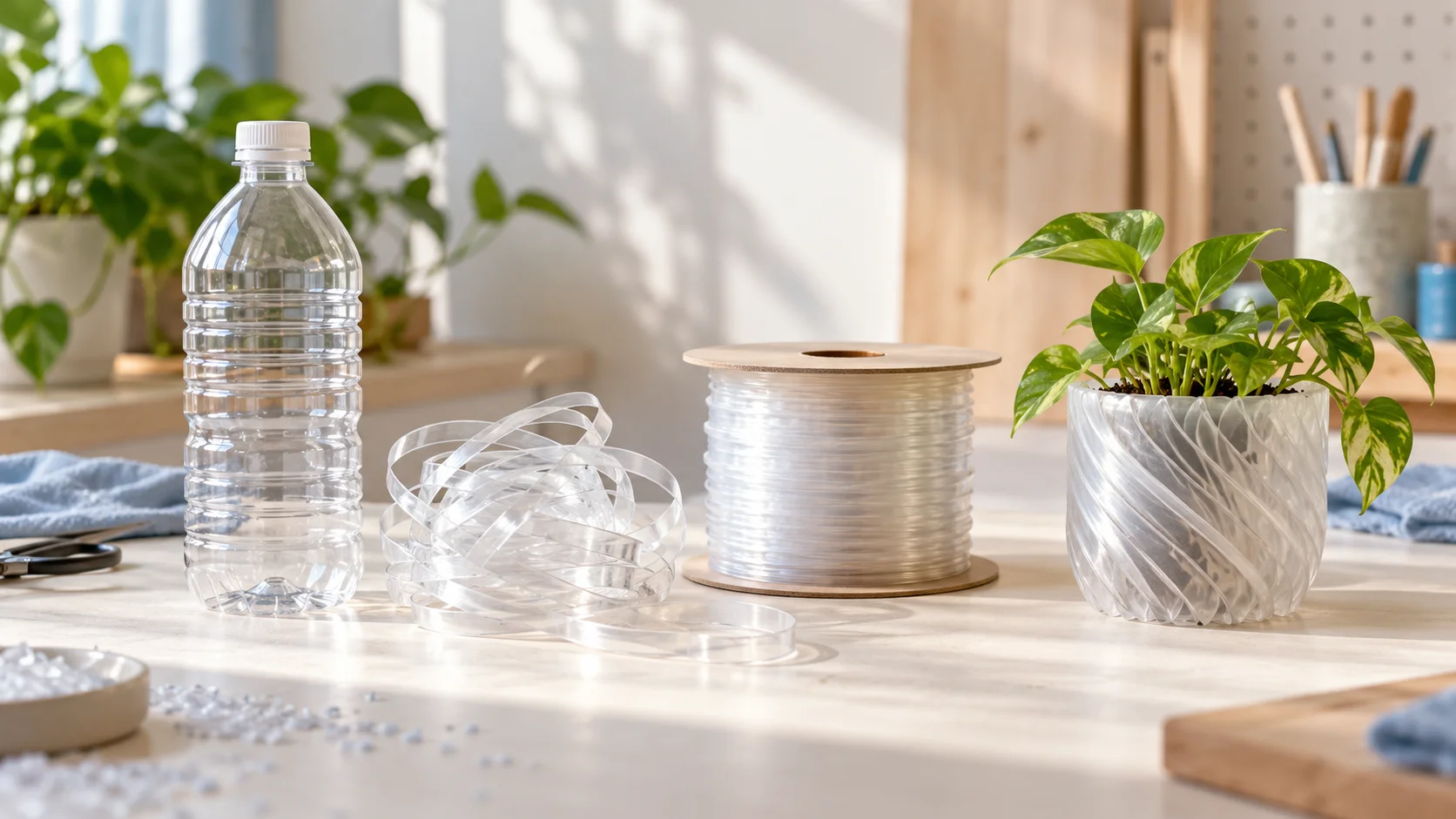
Bottle → ribbon → filament
Platform
Orchard modular base

Published Itemfarm module specifications. Confirm your configuration and operating conditions before purchase. Output depends on material, preparation, settings, and operating time. Only compatible bottles should be processed.

01

Start with compatible material

This is a targeted bottle-reuse workflow, not a mixed-plastic recycling service. Material type, bottle shape, wall thickness, and preparation matter.

View all tested bottles (50)

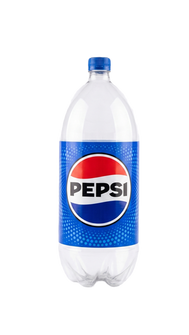
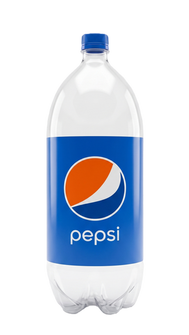
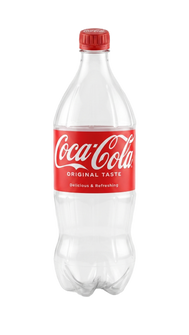
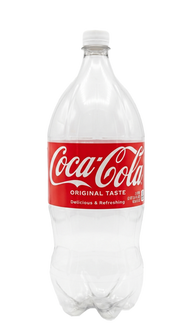
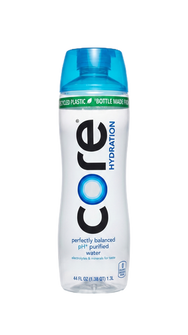
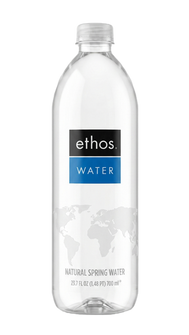
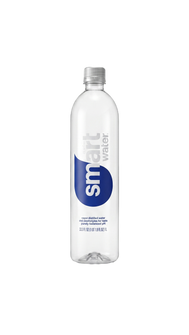
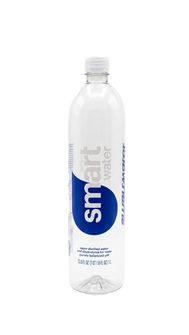
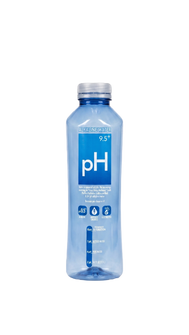
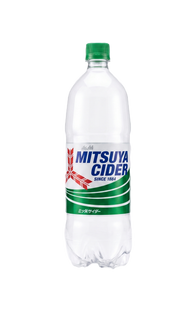
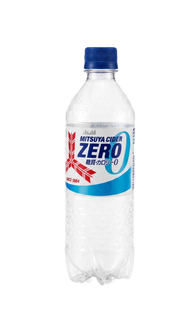
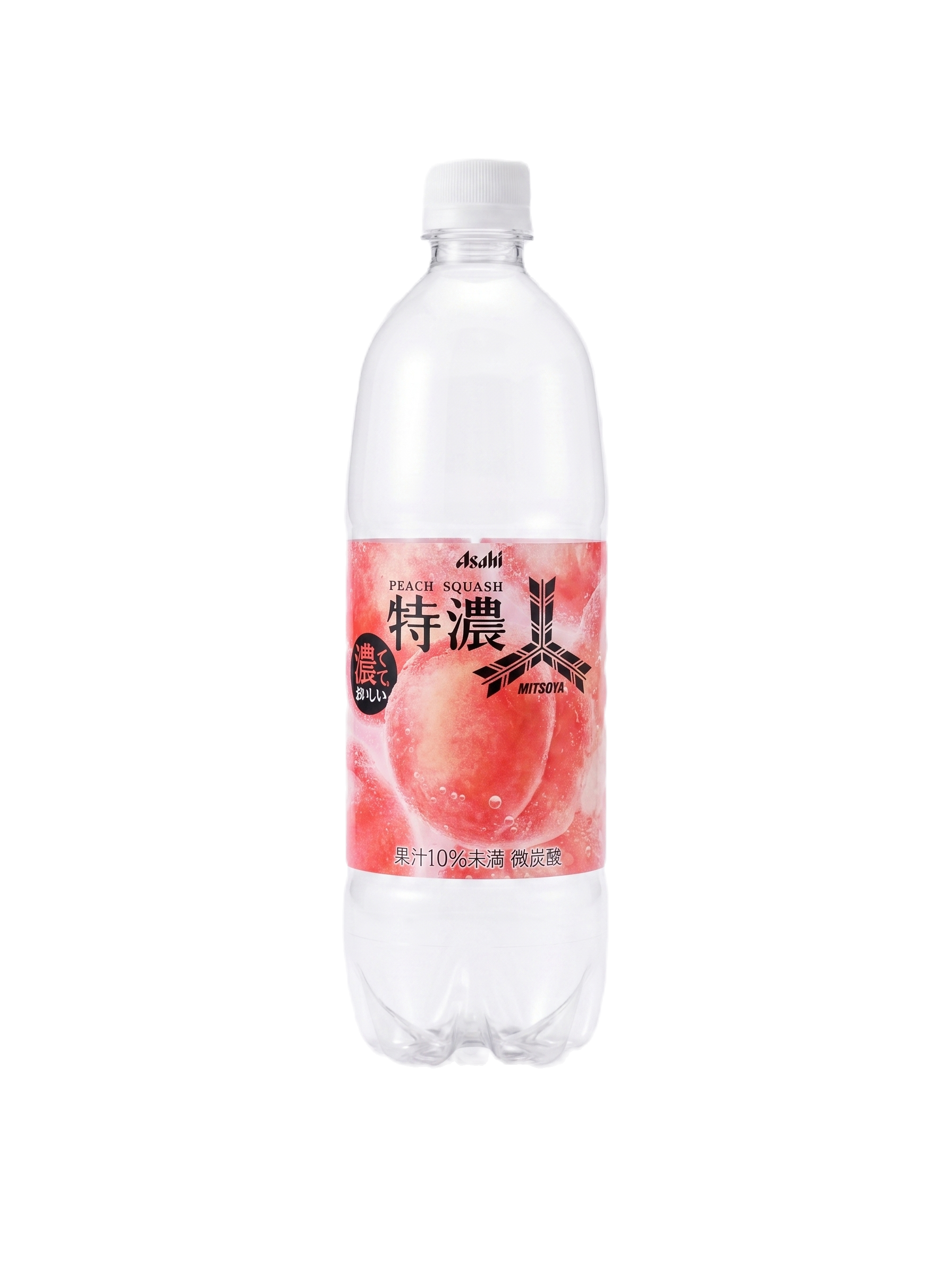
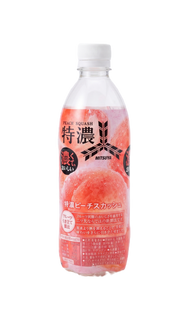
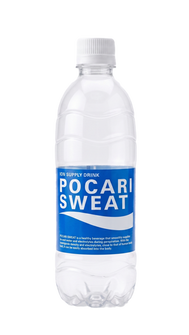
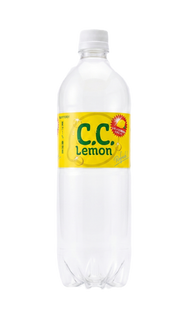
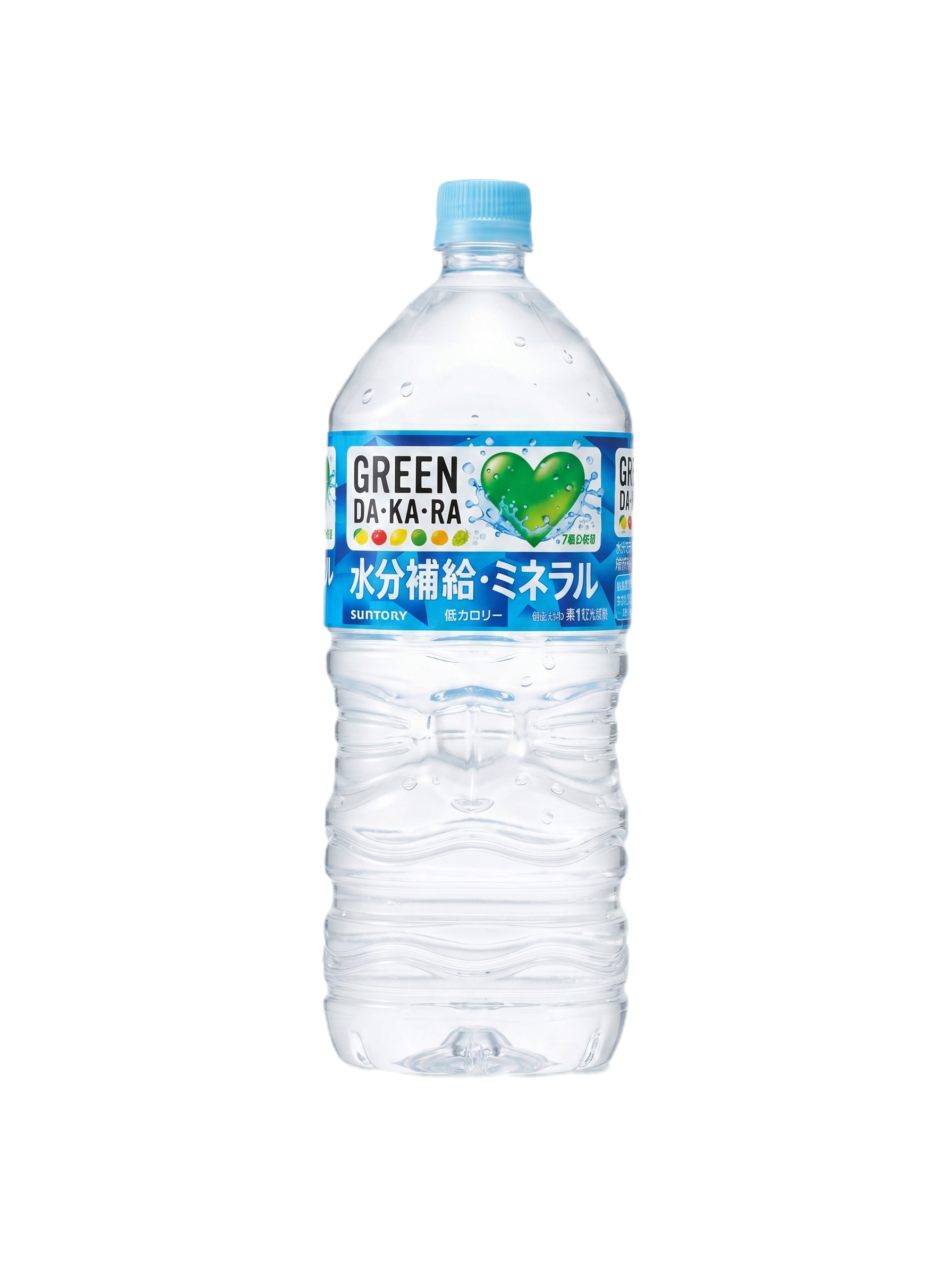
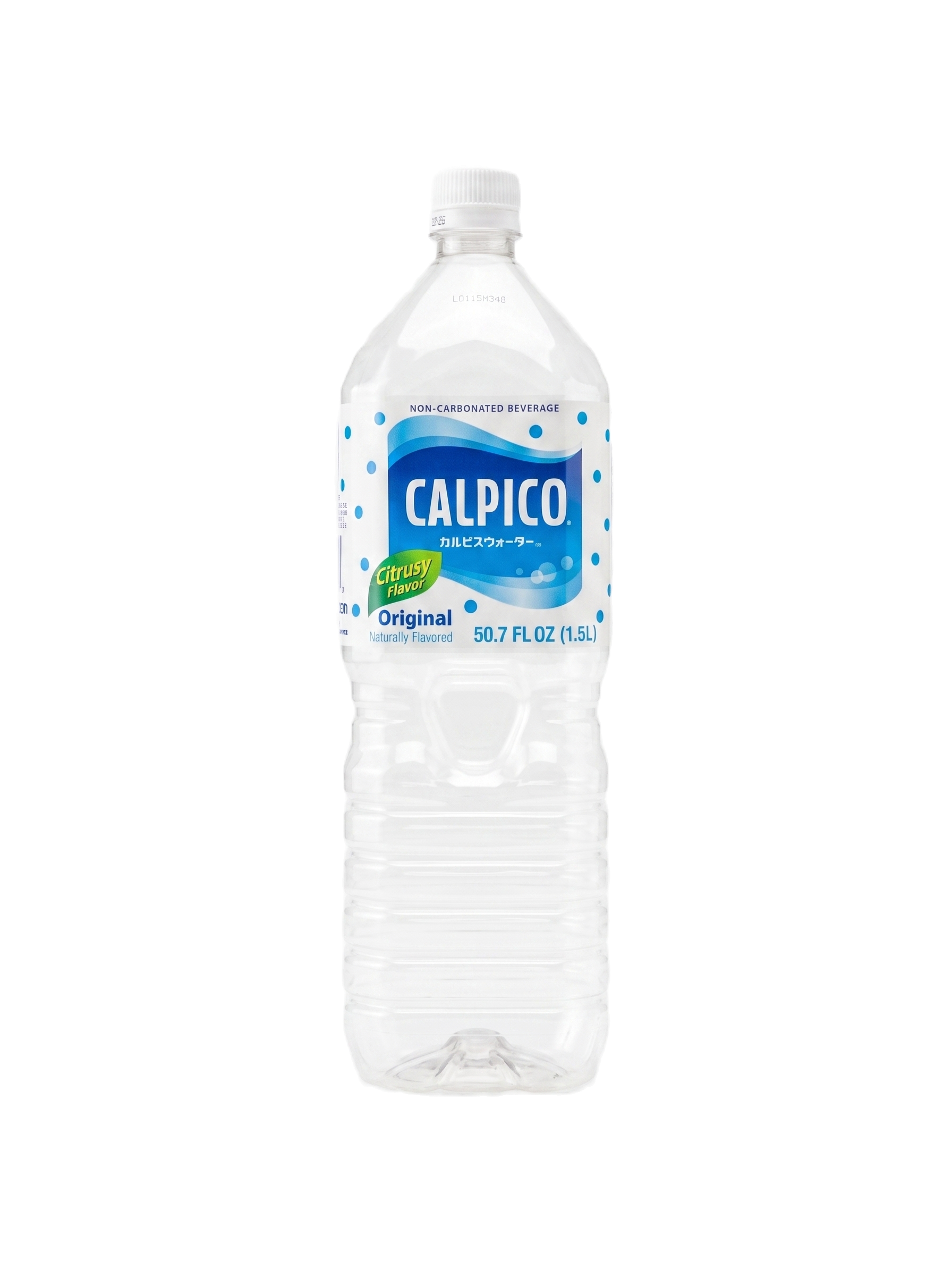
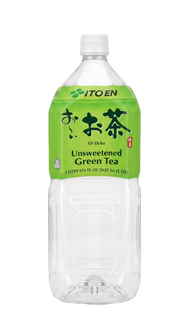
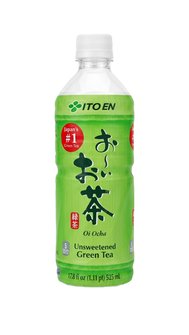
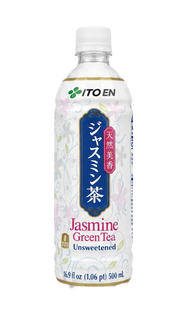
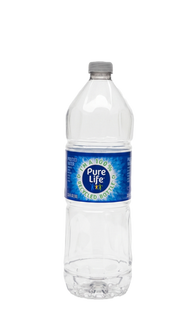
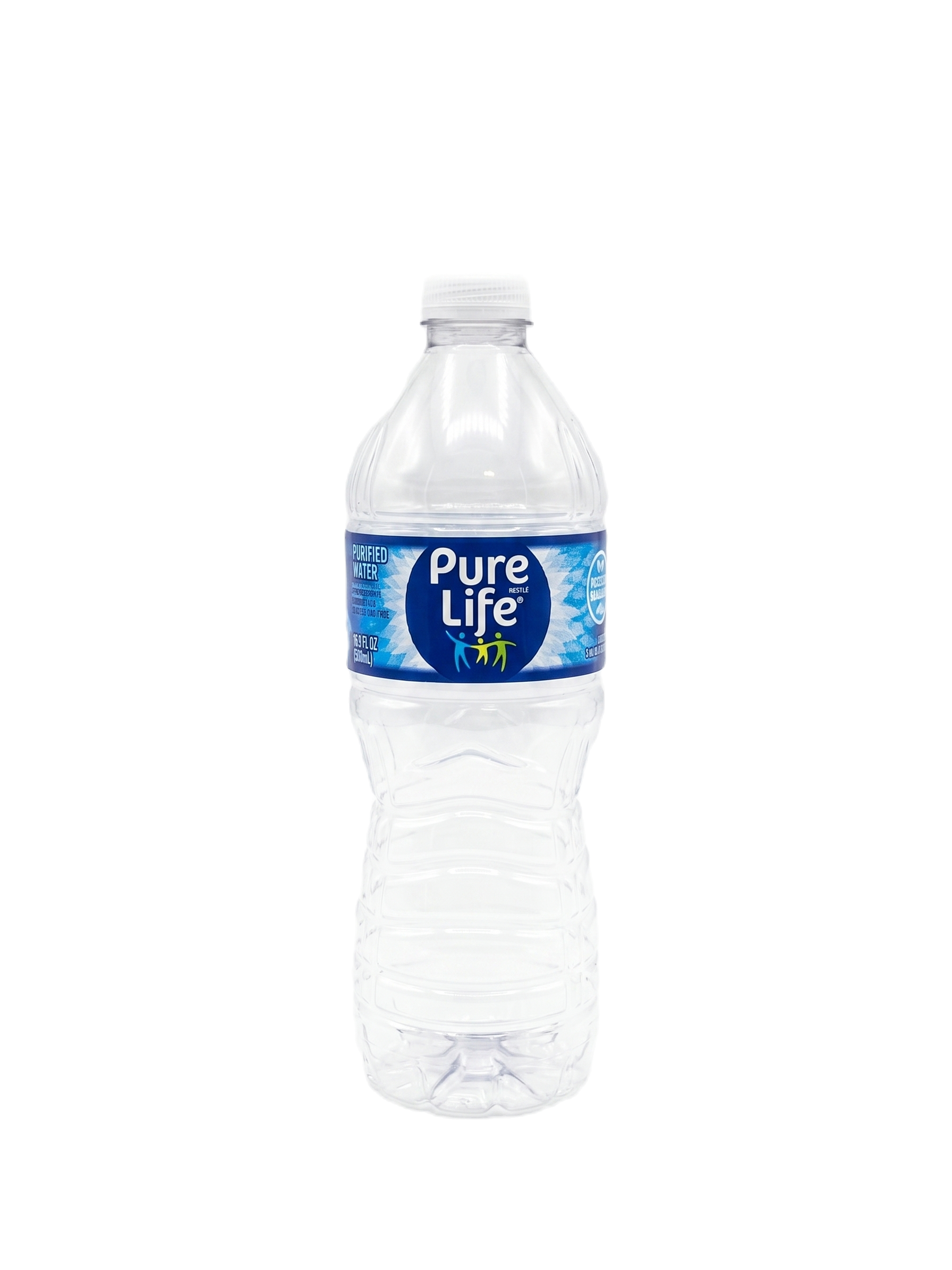
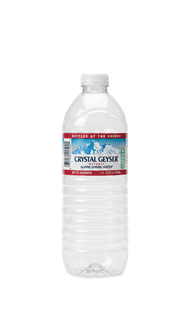
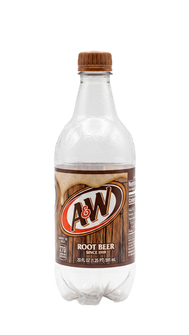
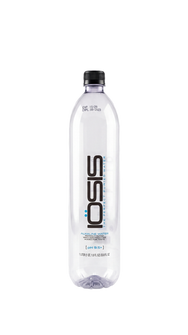
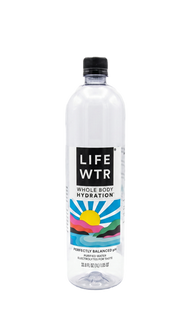
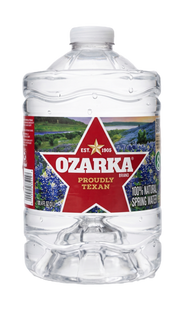
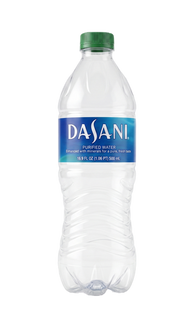
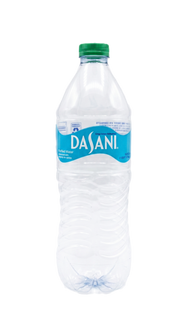
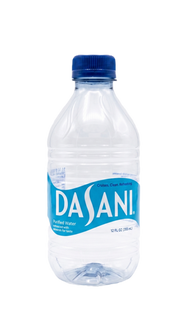
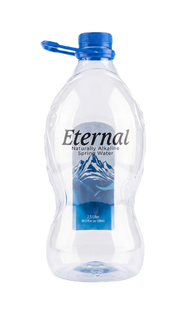
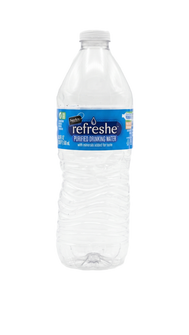
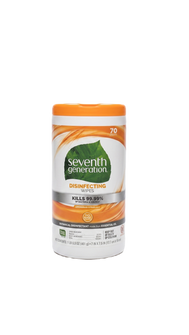
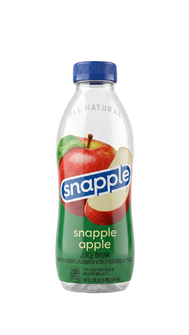
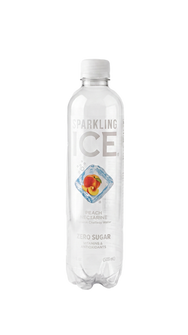
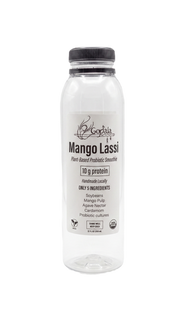
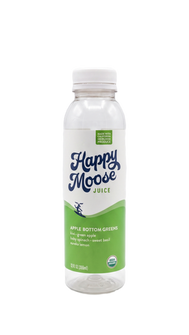
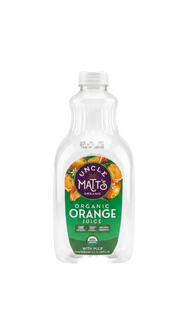
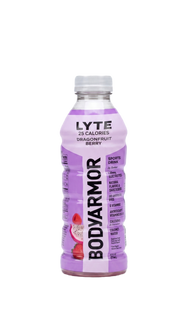
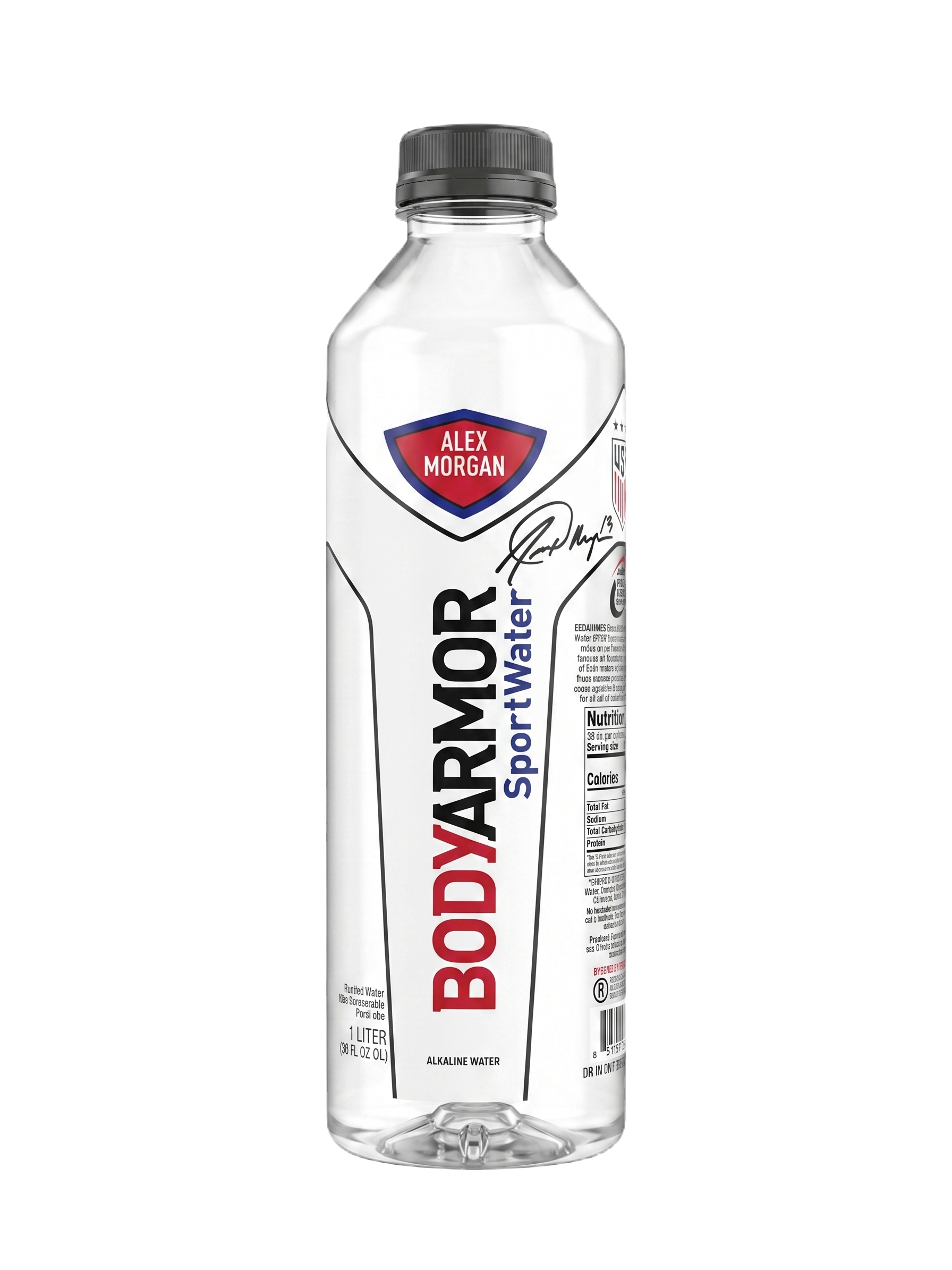
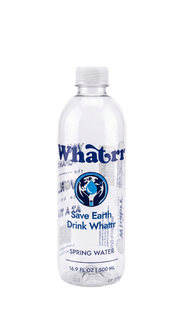
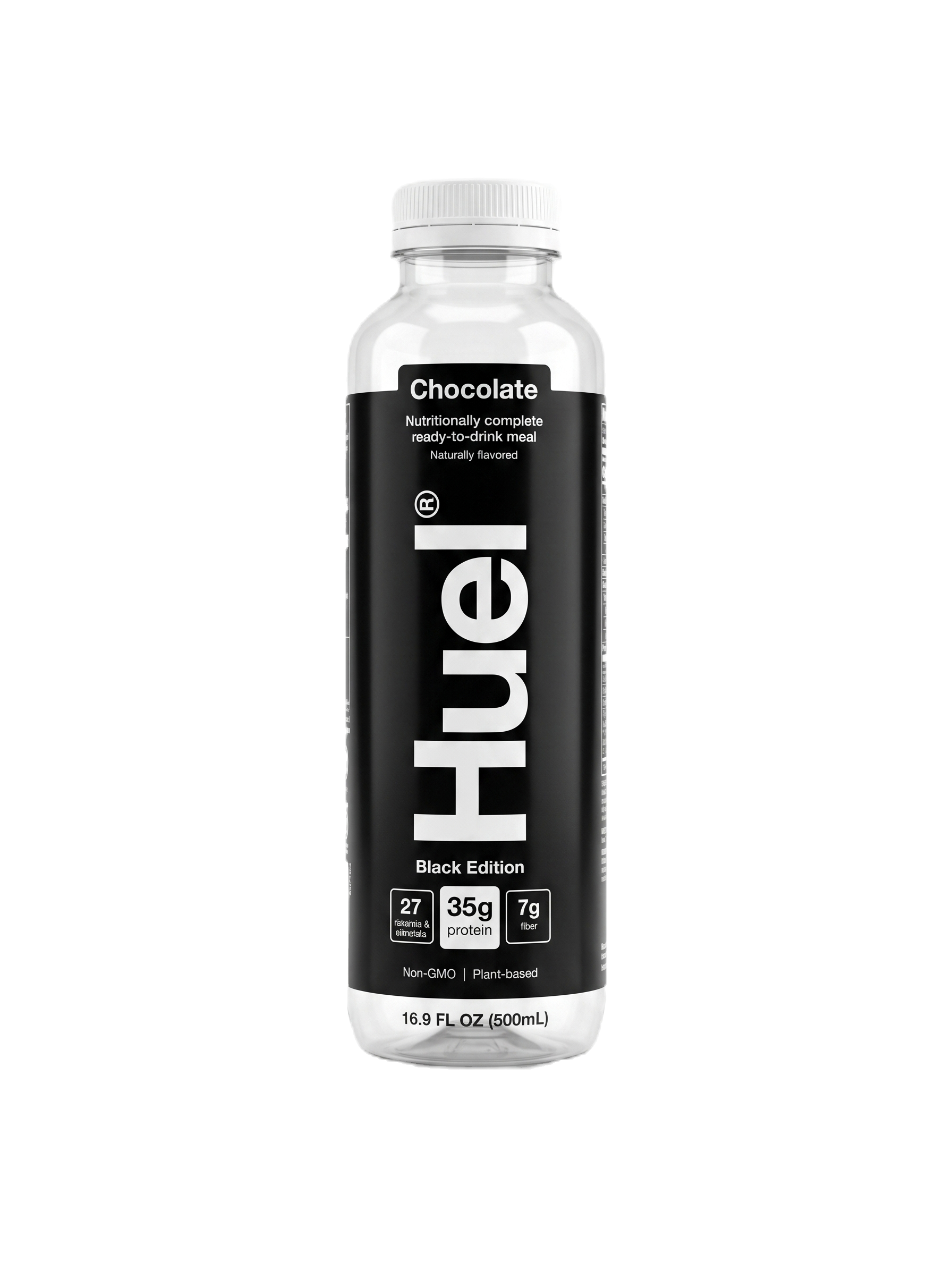
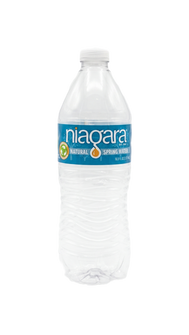
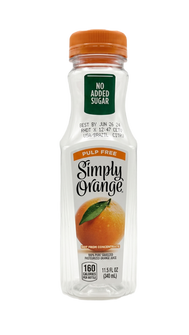
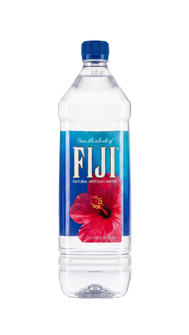
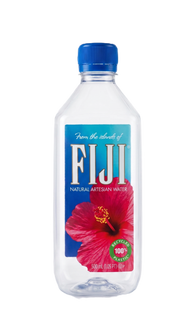
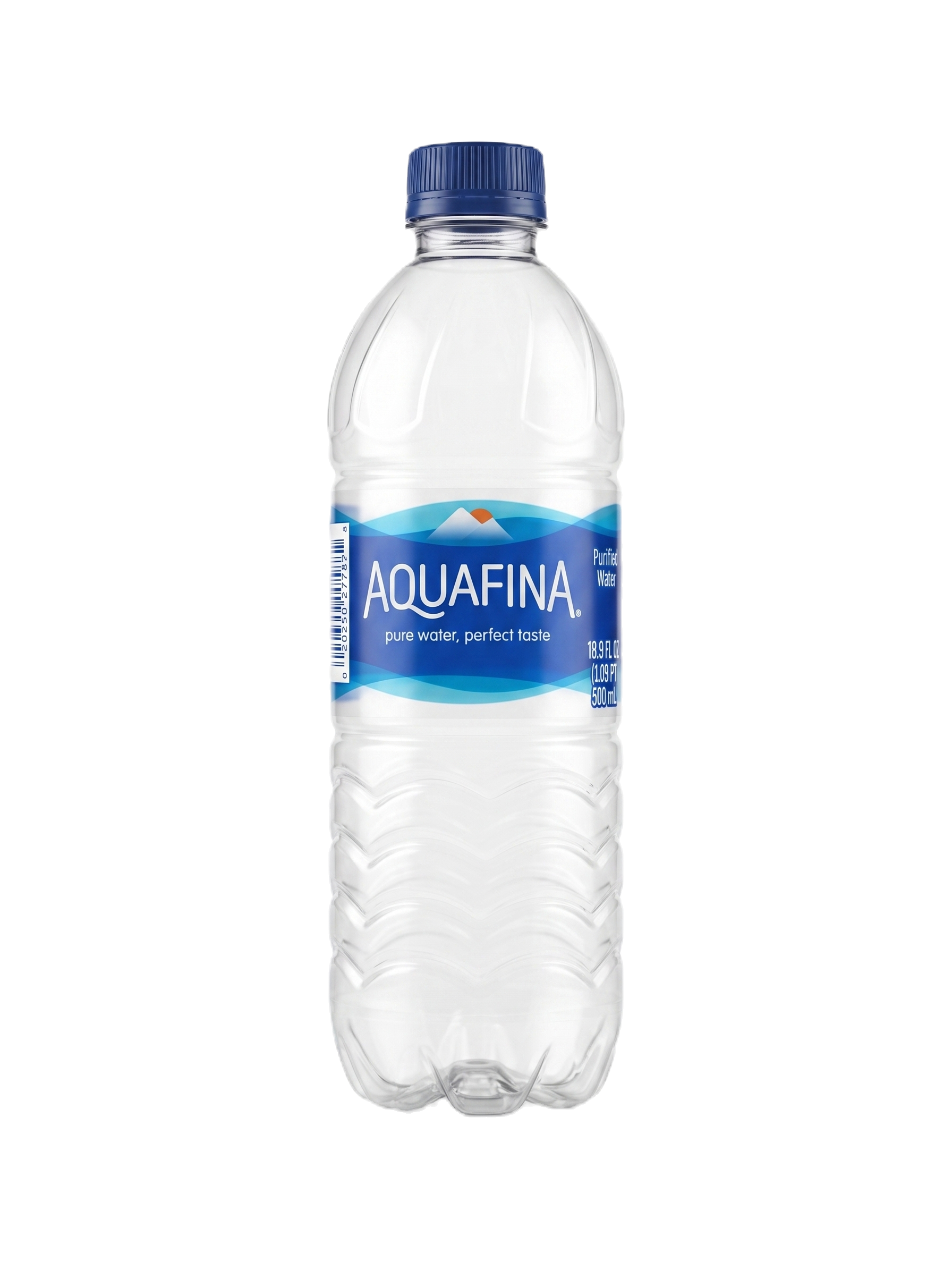
These bottles appear in Itemfarm’s tested compatibility gallery. Match the bottle shown; sizes, shapes, and materials can vary. Ask us about a bottle not listed.

Tested bottle 1 from the Itemfarm compatibility gallery
Tested bottle 2 from the Itemfarm compatibility gallery
Tested bottle 3 from the Itemfarm compatibility gallery
Tested bottle 4 from the Itemfarm compatibility gallery
Tested bottle 5 from the Itemfarm compatibility gallery
Tested bottle 6 from the Itemfarm compatibility gallery
Tested bottle 7 from the Itemfarm compatibility gallery
Tested bottle 8 from the Itemfarm compatibility gallery
Tested bottle 9 from the Itemfarm compatibility gallery
Tested bottle 10 from the Itemfarm compatibility gallery
Tested bottle 11 from the Itemfarm compatibility gallery
Tested bottle 12 from the Itemfarm compatibility gallery
Tested bottle 13 from the Itemfarm compatibility gallery
Tested bottle 14 from the Itemfarm compatibility gallery
Tested bottle 15 from the Itemfarm compatibility gallery
Tested bottle 16 from the Itemfarm compatibility gallery
Tested bottle 17 from the Itemfarm compatibility gallery
Tested bottle 18 from the Itemfarm compatibility gallery
Tested bottle 19 from the Itemfarm compatibility gallery
Tested bottle 20 from the Itemfarm compatibility gallery
Tested bottle 21 from the Itemfarm compatibility gallery
Tested bottle 22 from the Itemfarm compatibility gallery
Tested bottle 23 from the Itemfarm compatibility gallery
Tested bottle 24 from the Itemfarm compatibility gallery
Tested bottle 25 from the Itemfarm compatibility gallery
Tested bottle 26 from the Itemfarm compatibility gallery
Tested bottle 27 from the Itemfarm compatibility gallery
Tested bottle 28 from the Itemfarm compatibility gallery
Tested bottle 29 from the Itemfarm compatibility gallery
Tested bottle 30 from the Itemfarm compatibility gallery
Tested bottle 31 from the Itemfarm compatibility gallery
Tested bottle 32 from the Itemfarm compatibility gallery
Tested bottle 33 from the Itemfarm compatibility gallery
Tested bottle 34 from the Itemfarm compatibility gallery
Tested bottle 35 from the Itemfarm compatibility gallery
Tested bottle 36 from the Itemfarm compatibility gallery
Tested bottle 37 from the Itemfarm compatibility gallery
Tested bottle 38 from the Itemfarm compatibility gallery
Tested bottle 39 from the Itemfarm compatibility gallery
Tested bottle 40 from the Itemfarm compatibility gallery
Tested bottle 41 from the Itemfarm compatibility gallery
Tested bottle 42 from the Itemfarm compatibility gallery
Tested bottle 43 from the Itemfarm compatibility gallery
Tested bottle 44 from the Itemfarm compatibility gallery
Tested bottle 45 from the Itemfarm compatibility gallery
Tested bottle 46 from the Itemfarm compatibility gallery
Tested bottle 47 from the Itemfarm compatibility gallery
Tested bottle 48 from the Itemfarm compatibility gallery
Tested bottle 49 from the Itemfarm compatibility gallery
Tested bottle 50 from the Itemfarm compatibility gallery
02

Prepare and process

Prepare compatible bottles, convert them to ribbon, then switch the spools to convert that ribbon into filament. Follow the operating instructions for your module configuration.

03

Make something useful

Choose a suitable printed object and evaluate the material result. Keep collection, preparation, production, and finished objects visible in a supervised activity.

Bring the Orchard to your program.
Choose rental or purchase and configure your modules. Still have questions? See the workflow in a demo.