Work offline
Model preparation, STEP conversion, automatic orientation, Cura-based slicing, USB control, saved settings, scheduling, and voice shortcuts run locally after setup. Initial Windows components and device drivers may need installation.

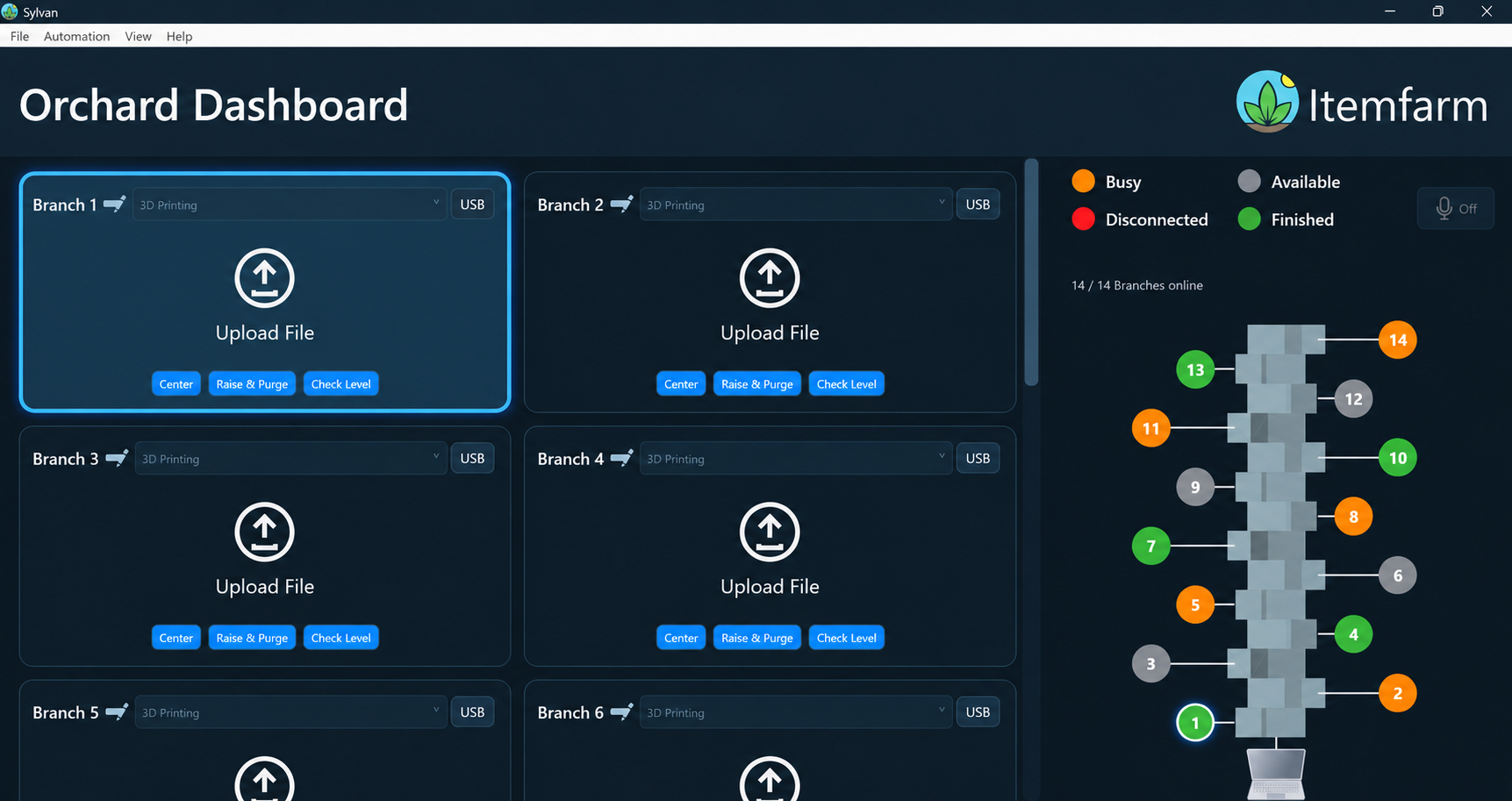
Sylvan / Orchard Controller
Prepare models, manage connected printing modules, and schedule builds in one Windows application. Core operation stays local.
Explore the featuresModel preparation, STEP conversion, automatic orientation, Cura-based slicing, USB control, saved settings, scheduling, and voice shortcuts run locally after setup. Initial Windows components and device drivers may need installation.
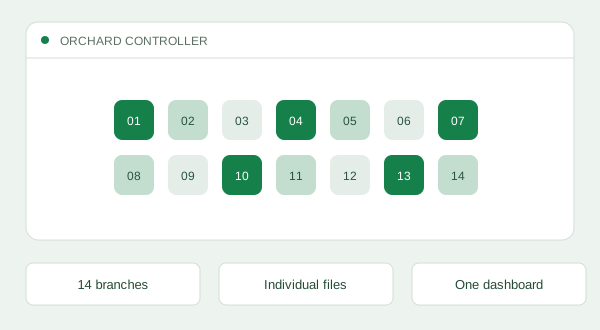
Keep individual files and USB connection controls for up to 14 Orchard branches in one dashboard. Rename branches and assign their module type to suit your workflow.
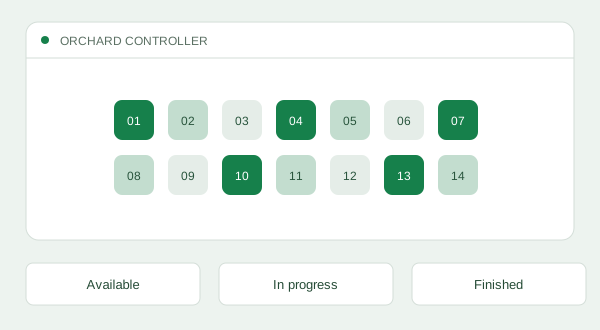
See busy, available, and disconnected branches, plus indicators for finished builds. Active prints show command-based percentage complete; this is not an estimate of time remaining.
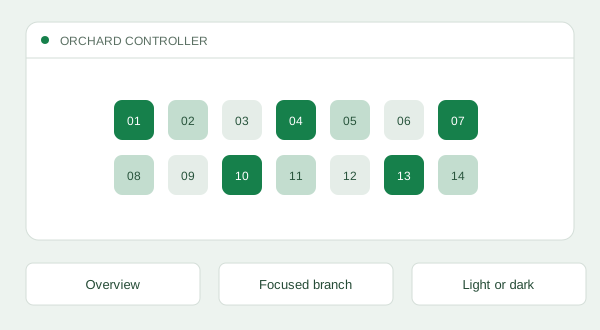
Switch between a two-column overview and a focused branch layout with a horizontal machine diagram. Light and dark themes let you adapt the dashboard to your setting.
Load STL, OBJ, or STEP/STP models, orbit and zoom the preview, and inspect X/Y/Z dimensions. Change one dimension to scale proportionally while leaving the original file unchanged.
Integrated local Cura-based slicing uses shared PLA and PET profiles tailored to the Orchard’s 3D printing modules. Generated G-code loads onto the same branch for review and sending.
Before slicing, Sylvan evaluates support burden and bed contact, then checks the oriented model against the configured build envelope, including raft allowance. Oversized models are rejected rather than silently resized.
The default profiles include a five-layer raft, with related settings available in the material editor. Adjust and validate the profile for your module, material, and project.
Review generated toolpaths in a layer preview, or load suitable pre-sliced G-code. Send the prepared job directly to the selected compatible module over USB; slicing alone does not start a print.
Sylvan recognizes its own slicing marker and asks for confirmation before using unmarked G-code. This helps you review external settings; it does not certify a file or guarantee print quality.
Assign a prepared G-code job to a branch at a future local date and time. Sylvan stores a private copy and preserves future schedules across restarts, with one pending job per branch. Keep the app running, the computer awake, and the module connected, prepared, and available.
Save shared, editable G-code for Center, Raise & Purge, Check Level, and Stop Print. One reviewed routine applies across printing branches; saving a preset does not execute it. The Center preset also runs on a successful connection.
Save each branch’s COM port, baud rate, DTR, and module settings. Eligible branches reconnect when their remembered USB ports return; manually disconnecting stops retries until you connect again. Reconnection restores communication, not interrupted prints.
Say supported commands prefixed with “Sylvan” to select numbered branches, open upload, slice, preview, request a print, check status, or change the layout and theme. Printing and motion actions still need on-screen confirmation.
Help → Voice lists the supported commands. Voice needs a microphone, installed Windows English desktop speech recognition, and a focused dashboard. Status feedback appears as text, and commands use branch numbers rather than custom names.
AT A GLANCE
Choose rental or purchase and configure your modules. Still have questions? See the workflow in a demo.