Choose the project
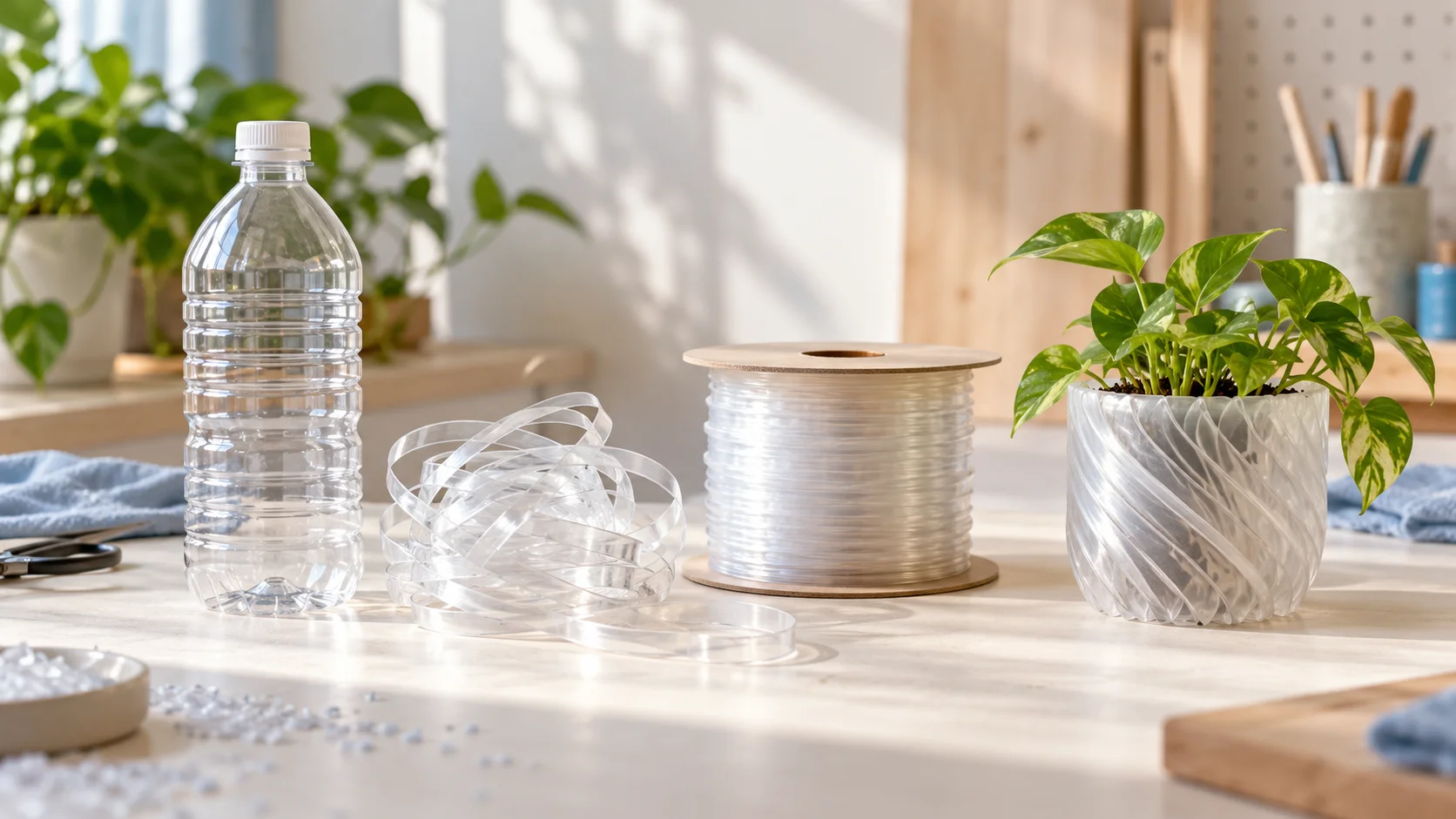
Start with the object and its purpose. Each printing module supports a 152.4 × 203.2 × 203.2 mm build area and suitable 1.75 mm PLA or PET filament.

3D PRINTING
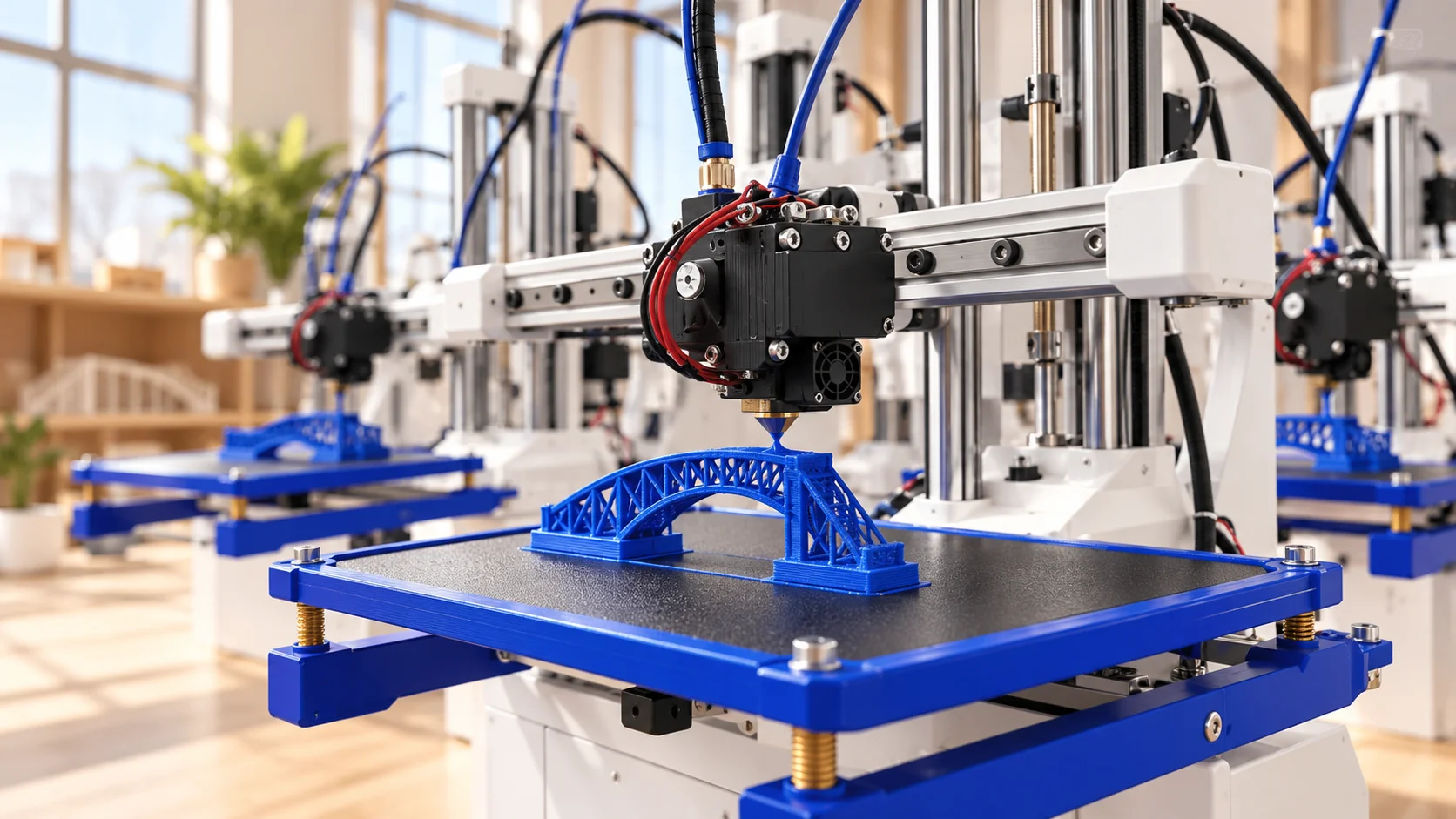
Create prototypes, classroom models, and useful objects with printing modules on a shared Orchard base.
Plan your printing configurationAT A GLANCE
Published Itemfarm module specifications. Confirm your configuration and operating conditions before purchase. Results depend on material, settings, and the model.
Start with the object and its purpose. Each printing module supports a 152.4 × 203.2 × 203.2 mm build area and suitable 1.75 mm PLA or PET filament.
Import an STL, OBJ, or STEP model, inspect and resize it, select a material profile, and slice it locally. Review the prepared job before printing.
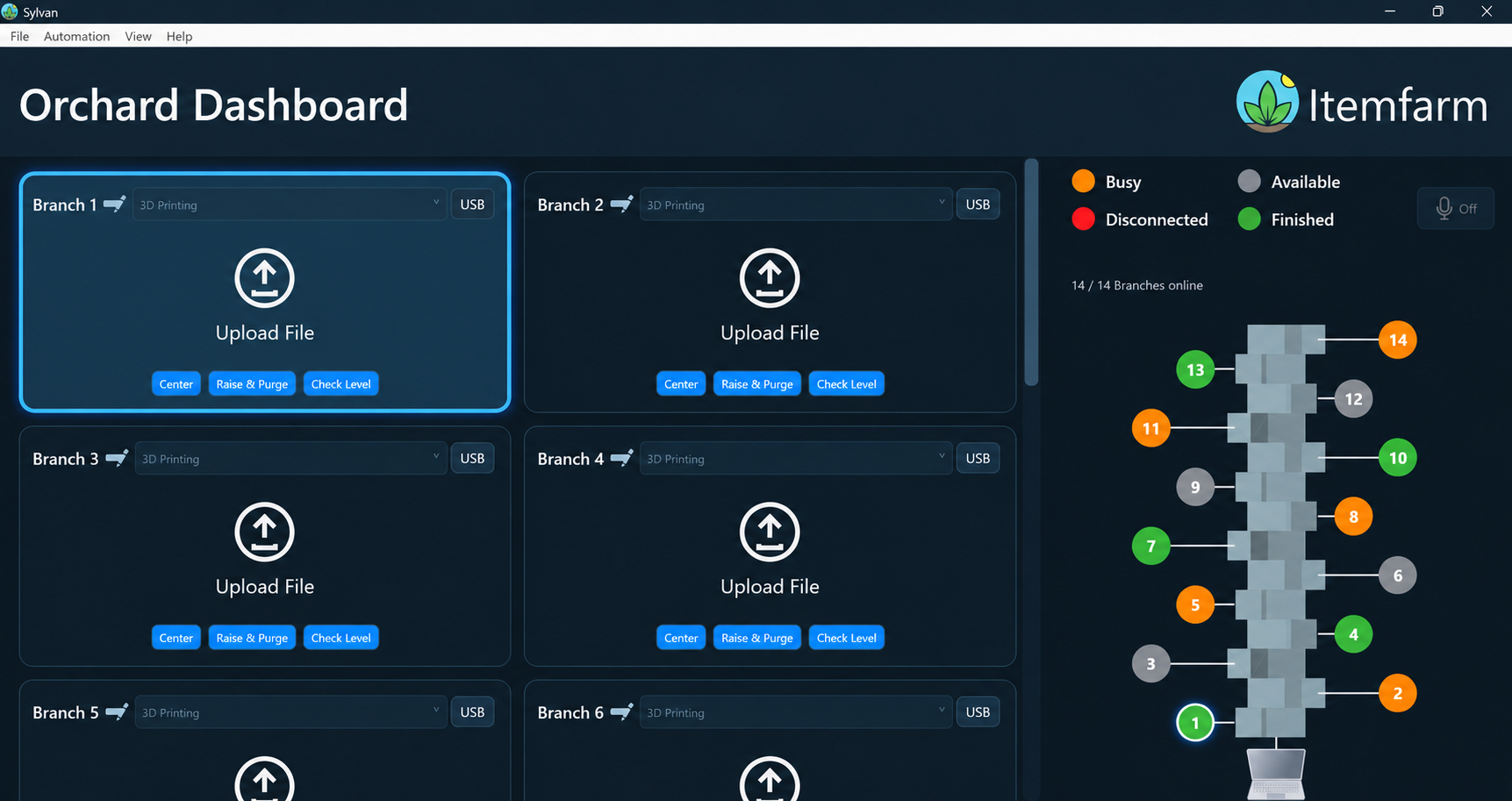
Different modules can work on different objects. Choose the number of modules around your workload, available space, and operator responsibilities.
A trained operator prepares the machine, monitors the process, and removes the finished object. Use the result to check fit and refine the next design.
KEEP EXPLORING
Choose rental or purchase and configure your modules. Still have questions? See the workflow in a demo.